An iOS shortcut for quickly sharing your contact info.
When I meet new people, I often want to exchange contact info with them. However, it is slow and awkward to trade phones with the person and type in my name and number manually, so I wrote ContactQR, an iOS shortcut that lets me quickly show my contact info encoded as a QR code. When I want to give someone my info, they can simply scan the code.
Instructions
-
Install the iOS Shortcuts app
- Install the shortcuts:
- Create Contact QR: To initially set up the QR code.
- Show Contact QR: To quickly display the code.
-
In the Shortcuts app, run Create Contact QR. Enter the first name, last name, and phone number you want to generate a QR code for (most likely your own name and phone number).
- Run Show Contact QR to display the QR code. I have this shortcut in a widget on my homescreen for easy access.
Troubleshooting
You may need to enable importing Shortcuts that have not been reviewed by Apple. Go to Settings > Shortcuts, turn on “Allow Untrusted Shortcuts”, then try again to install the shortcuts.
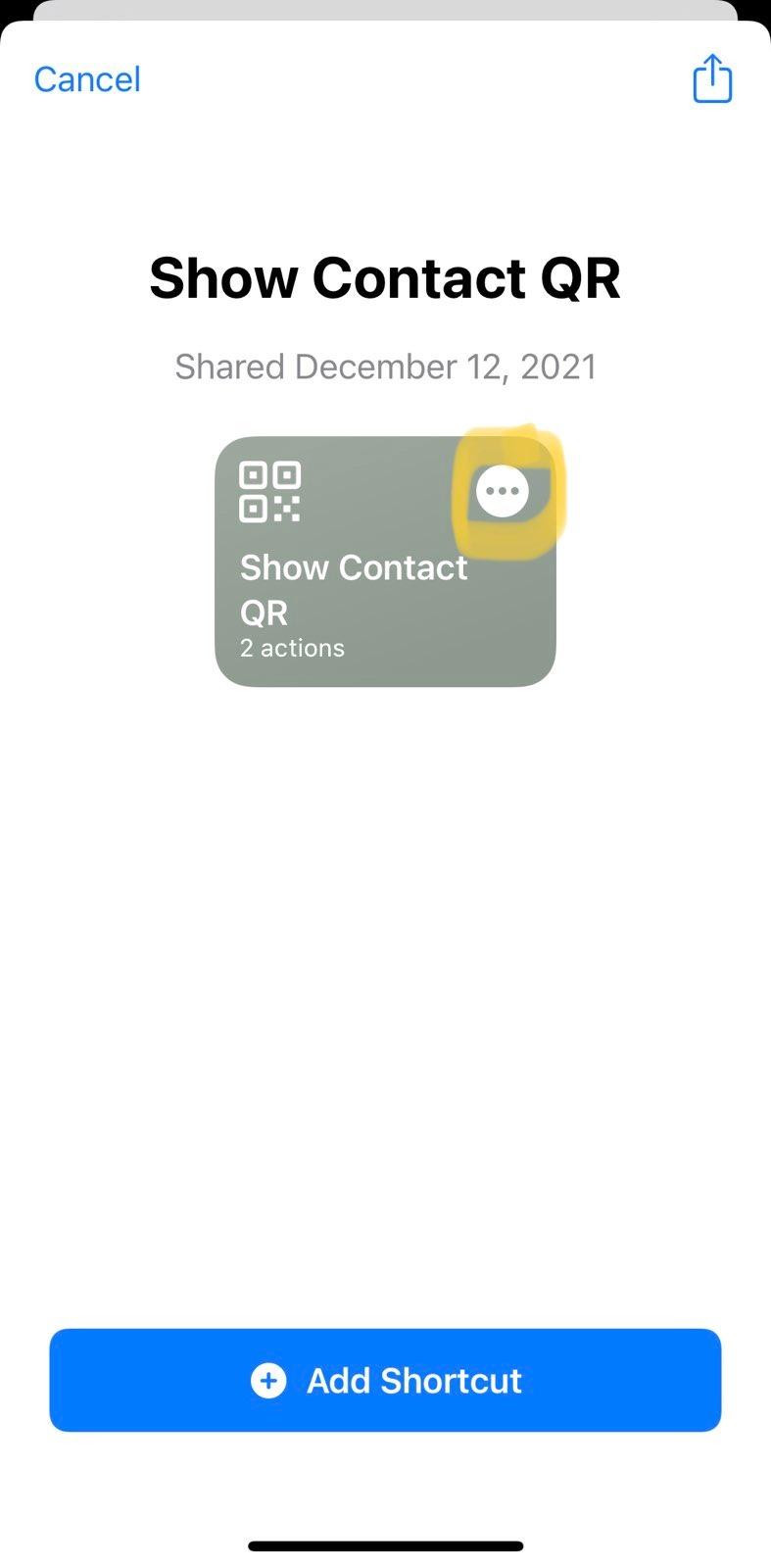
Bear in mind that this allows you to install any shortcut, including ones that may be malicious. I promise mine isn’t, but you shouldn’t trust me or anyone else: you can preview the source code of a shortcut before you install it by tapping the three dots.
Support or Contact
Need help? Have a suggestion or bug report? Email me.